Headings
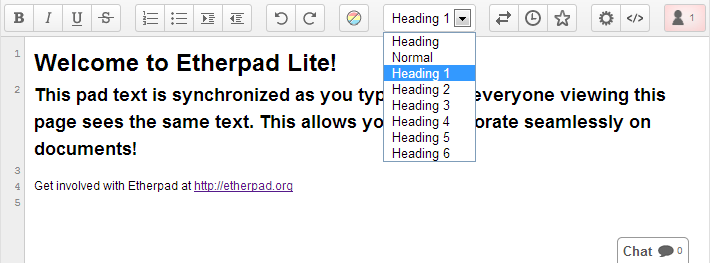
The headings plugin allows you to set larger headings on a pad which makes it possible to have different font sizes.
Page View
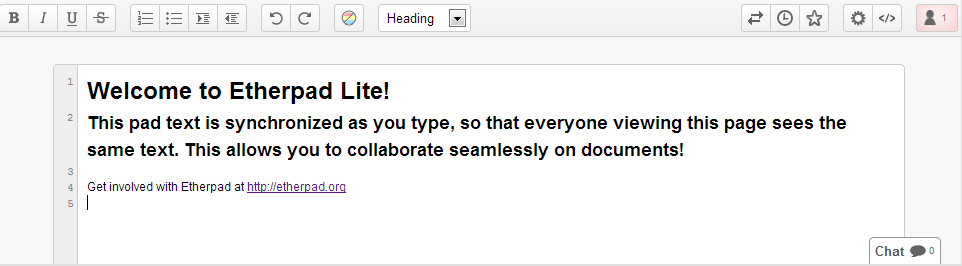
The Page view plugin allows a page view style UI for Etherpad
Social Links
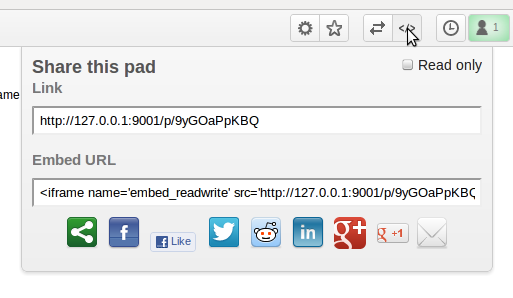
This plugin adds social network links to your share popup
Draw
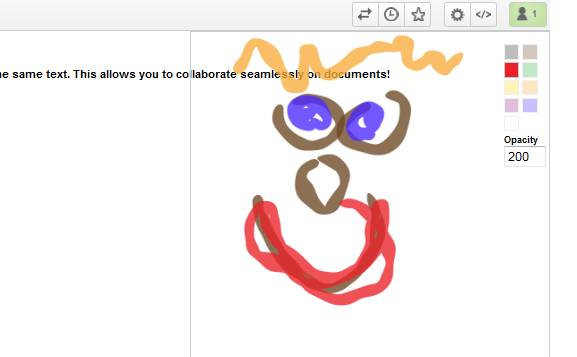
This plugin embeds a drawing / sketching panel for sharing doodles and illustrations
Admin Pads
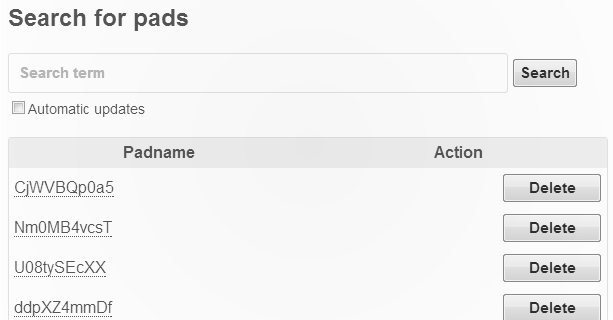
Easily see and search through the pads on your installation
Historical Search
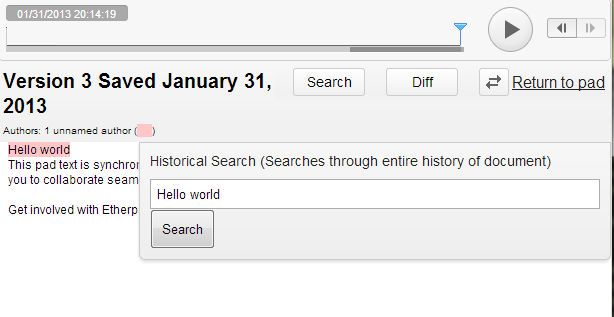
Search through an entire documents history to realize when a word was added/removed.
Diff view
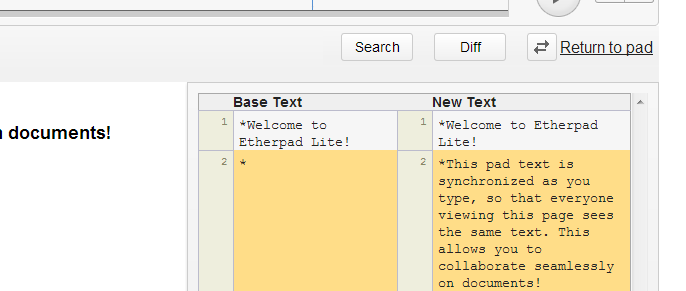
See the line by line difference between two revisions of a document
Offline Pad Access
Still be able to access your pads if you are disconnected from the internet
Public view and List Pads
Public view allows for pads to be indexed by search engines and access without the additional overhead of the editor.


Wow.. It’s awesome..
Hello, where do I download these plugins ?
Install Etherpad then visit http://yoursite.com/admin/plugins
Thanks john,
I installed EPL from the windows package, and I have problems running npm to configure node.js to work behind the proxy of my company. That’s why I asked for downloads…
I succeeded in downloading them from your git repo, but don’t know how to install them manually. I tried putting them in node_modules or node_modulesep_etherpad-litenode_modules, but ep_adminpads failed to answer on /admin/pads for example…
By the way, I just want to say thanks to all you folks, I’ve been following the project since Google opensourced it and you’ve made a good job so far !
Do this..
cd node_modules
git clone %read only url of plugins%
‘http://yoursite.com/admin/plugins’ doesn’t work.
Where can we find it?
Thanks
Update your Etherpad
Thanks John!
This looks very helpful.
Am just new with Etherpad-lite.
Works like a charme in general. Unfortunately I can’t get access the plugins. I am getting “Cannot GET /plugins” (same with settings) in the browser as an error message.
Can you
… point me into the right direction to solve this?
/admin/plugins not /plugins…
Ok, that was simple! Thanks!
http:/ /ip-address/admin/plugins
fetching plugins… … … … …
No plugins found
:(
Nice software though! Thanks!